


Trusted by 3.5 million users
The #1 Clipping Tool
Edit Viral Videos With AI
The best editor for clippers. Let AI find and edit your clips, or do it yourself in our full web-based editor.


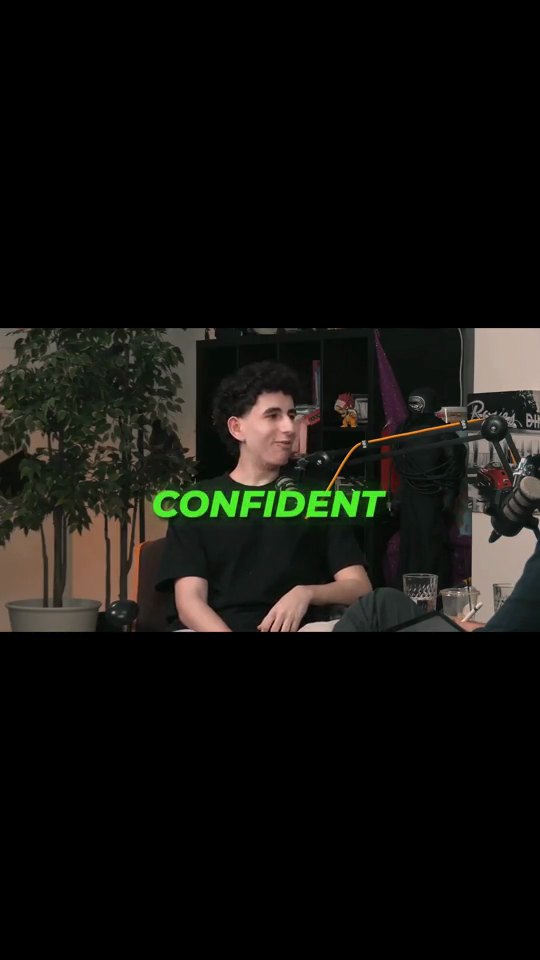
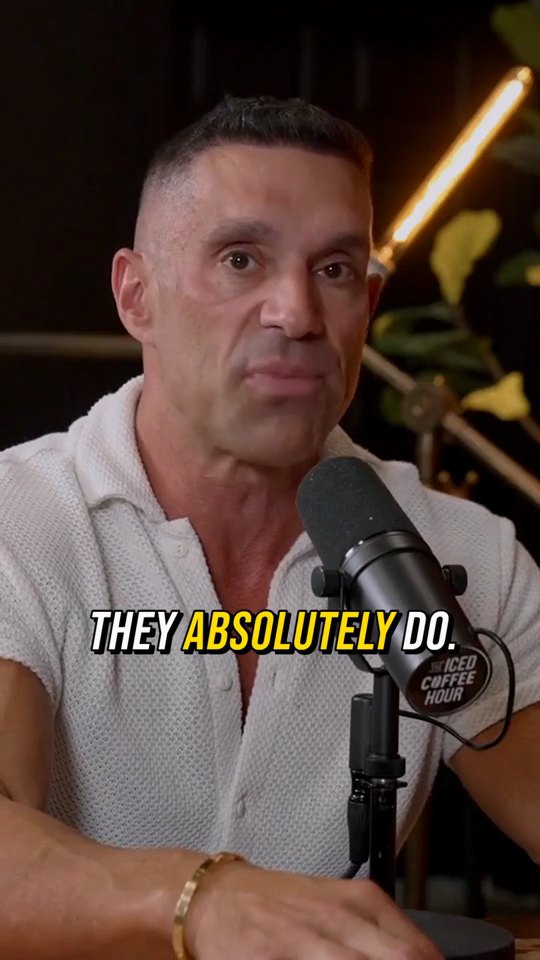

Four ways to clip
Let AI do everything, or take over wherever you want.

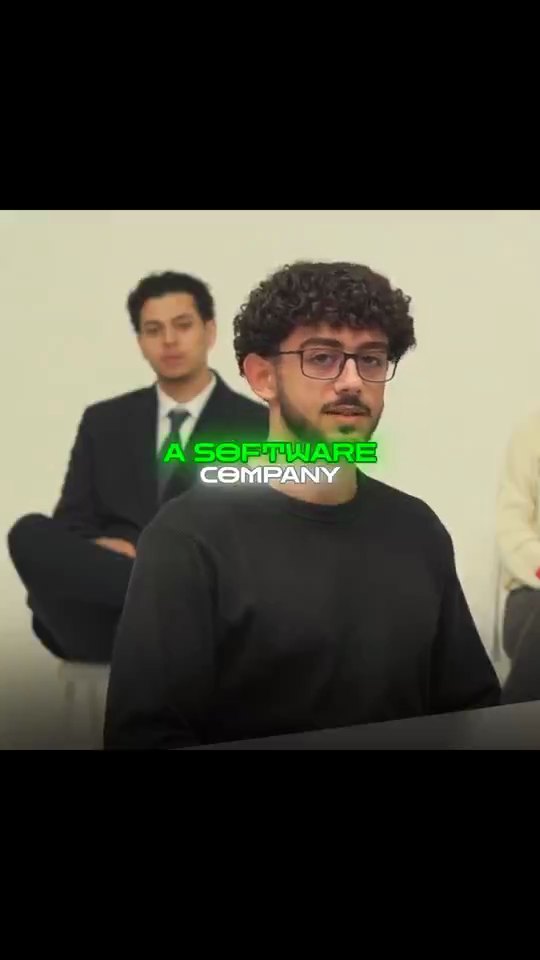

AutoClip
Fully automated, in one go
Upload one video and AI does the rest in a single pass: finding the moments, framing, captions and titles.
Find Viral Moments + Video Editor
AI finds it, you edit it
AI scores the best moments in your video. Then fine-tune every cut in the full editor.


Find Viral Moments + Edit with AI
AI finds it, AI edits it
The same AI, split into two steps. Review the moments it finds, keep what you like, then let it apply a creator style.

Clip Cutter + Edit with AI
You find it, AI edits it
Cut the moments you want yourself, then let AI handle the captions, framing and style.
A full video editor. Right in your browser.
Most clipping tools stop at the export. Crayo comes with a real multi-track editor and nothing to download.
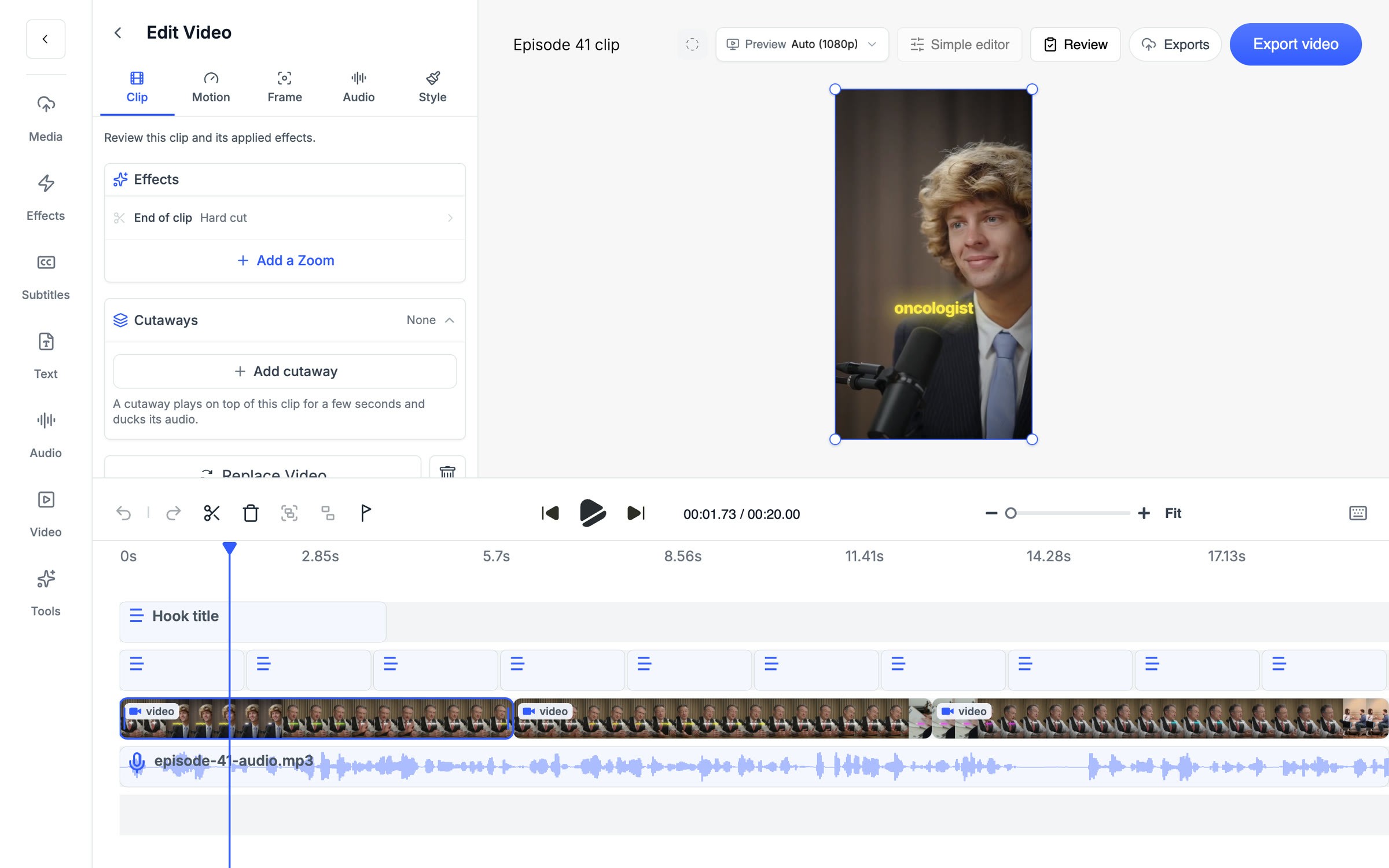
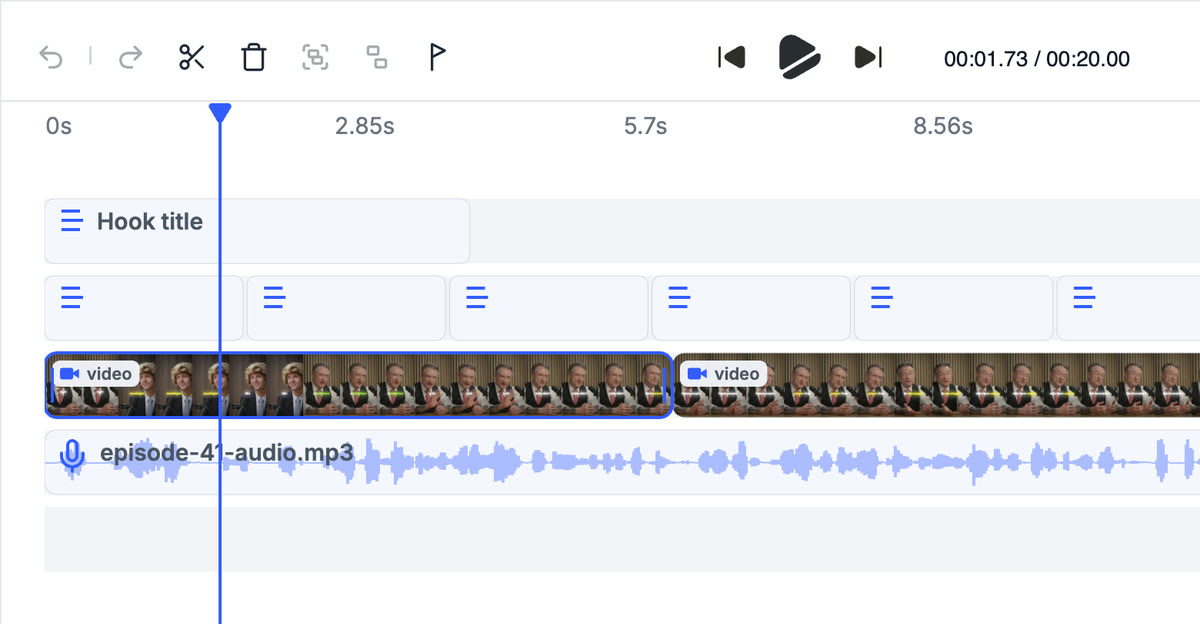
Multi-track timeline
Cut, split and rearrange your clip on a real timeline.
Effects
LUTs, zooms, transitions and reframe, built in.
Captions
AI or manual subtitles, styled the way you want.
Cutaways
Drop b-roll over any clip and its audio ducks on its own.
Crayo Has Generated Billions of Views.
For Millions of Clippers.See What Our Users Are Saying
5 → 400
posts a week
Cutting one podcast episode used to take me about four hours. Now I upload it to AutoClip and have 12 clips ready before lunch. I went from 5 posts a week to 20 without hiring an editor.
Dave1 tab
from the moment to the final cut
Every other clipping tool stopped at the export, so I’d still end up in CapCut fixing things. With Crayo I let AI find the moment, then fix the cut and captions in the same tab. I cancelled CapCut last month.
James2M
views from 30 clips
I started clipping podcast campaigns in September. My first 30 Crayo clips did 2 million views, and one hit 600k on its own. The captions are the first thing people comment on.
JonathanBetter audio, built in
Add a voice or clean up the sound without leaving Crayo.
AI Voiceovers
Add a natural voice to any clip in seconds.
Speech Enhancer
Turn audio with echo or background noise into clean, professional speech.

Meet our Co-Founder
I've gone viral for myself, and the most popular content creators. I know how to go viral, and made the best video editor to make going viral easy for anyone.
Watch Musa in action




Crayo for iPhone
Clip, caption and export from your phone. Same account, same projects as the web.

Frequently asked questions
Looking for AI stories?
Crayo is for clipping. Clippie is for AI stories. Start with an idea, then turn it into scenes with narration and captions.
Explore Clippie